

Trade Only 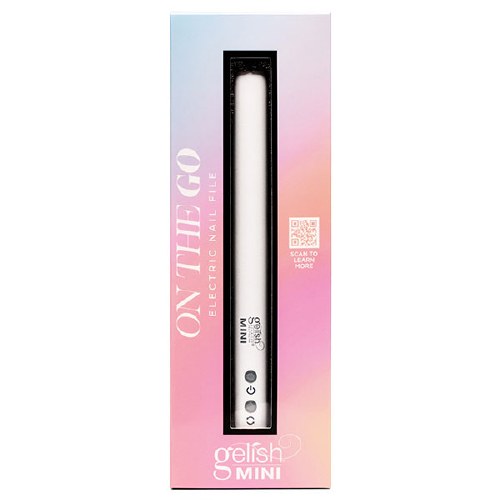
)
Gelish Part of Gelish Go File Wireless
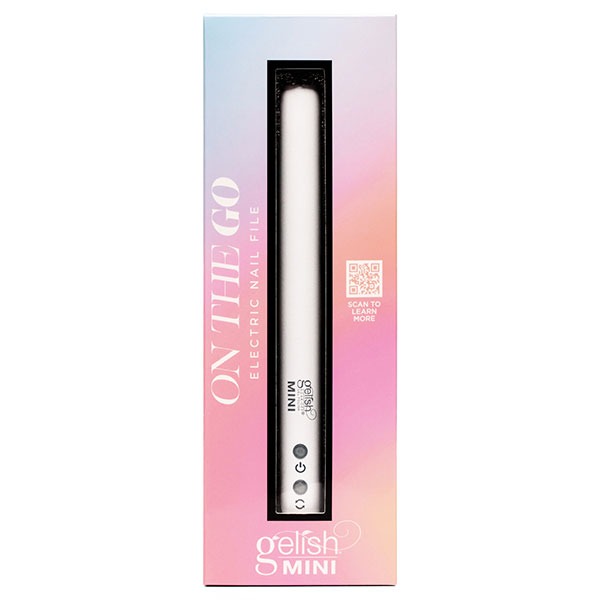
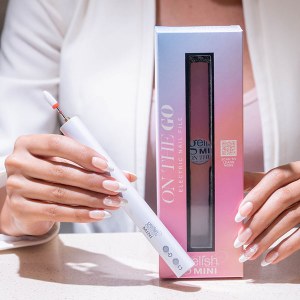
Gelish GoFile Mini Nail File
Trade Only Item. Please log in with your Hennessys Trade account to get Trade prices. If you don't have your account details, please contact us here to get them. If you are logged in and still can't see trade prices, you have signed up for a retail account. You can sign up for a new trade account here
Description
Gelish Mini Go File – Electric File
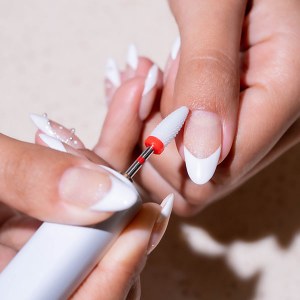
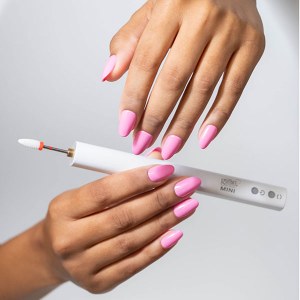
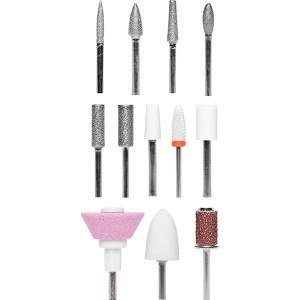
The On The Go Electric Nail File has a sleek, light-weight and easy to hold design that has been perfectly crafted for at-home nail DIYers. This electric nail file can be used for shaping, filing, and manicuring the natural nail as well as removing gels and tips. On The Go Electric Nail File has 12 interchangeable bits and 6 sanding bands to cover everything from buffing to cuticle care.
Features:
12 Bits & 6 Sanding Bands Included
Comes with a complete set of nail drill bits and sanding bands for shaping, smoothing, buffing, and cuticle care. Everything you need for full DIY nail maintenance.
Portable & Cordless Design
Lightweight and ergonomically designed for comfortable handling. USB-C rechargeable with no batteries required—perfect for travel or at-home use.
3 Adjustable Speeds + Reverse
Choose from low, medium, or high speed settings to suit your needs. Reverse rotation button lets you switch spin direction for full control.
60 Minutes of Battery Life
Enjoy up to an hour of cordless performance on a full charge. Includes charge indicator so you’re never caught without power mid-mani.
Smart & Safe Operation
Features 10-minute auto shut-off for safety and energy saving. Easy one-button operation and LED indicators for spin direction and speed level.
Suggested Use
Shape, file, buff, or remove gel/tips. Press and hold the power button for 2–3 seconds to turn on/off. Use the rotation button to switch directions. Remove bit after use.
How to Use:
1. Press and hold power button 2-3 sec. To start. When running, press power button once for medium speed. Press once more for high speed. One more press will get you back to low speed.
2. Press and hold power button 2-3 sec to turn off.
3. Press the rotation button to reverse the rotations. Green power light indicator: spinning clockwise and the red power light indicator: spinning counter clockwise.
4. Smooth and refine the unit to remove enhancement product.
5. Safety auto shut off after 10 minutes of continuous usage. To restart, hold the power button for a few seconds.
6. Remove bit from hand piece after use.
7. Only use the bits provided.Charging Directions
1. Fully charge prior to first use.
2. Insert the adapter into the device. (Only use the power supply that came with the device).
3. Unplug the device when not being used or when fully charged.
4. When charging: Double red light indicator: When plugged in and charging. Green light indicator: When fully charged. The e-file will not work while being charged.
Reviews
This product has not yet been reviewed.
Special Offers












Share:
Share on Pinterest Tell a friend